

Description
Download 20-20-20 Eye Protector – Eye Protection, Screen Break Reminder, Digital Eye Strain, Computer Eye Care, Productivity Tool
Overview
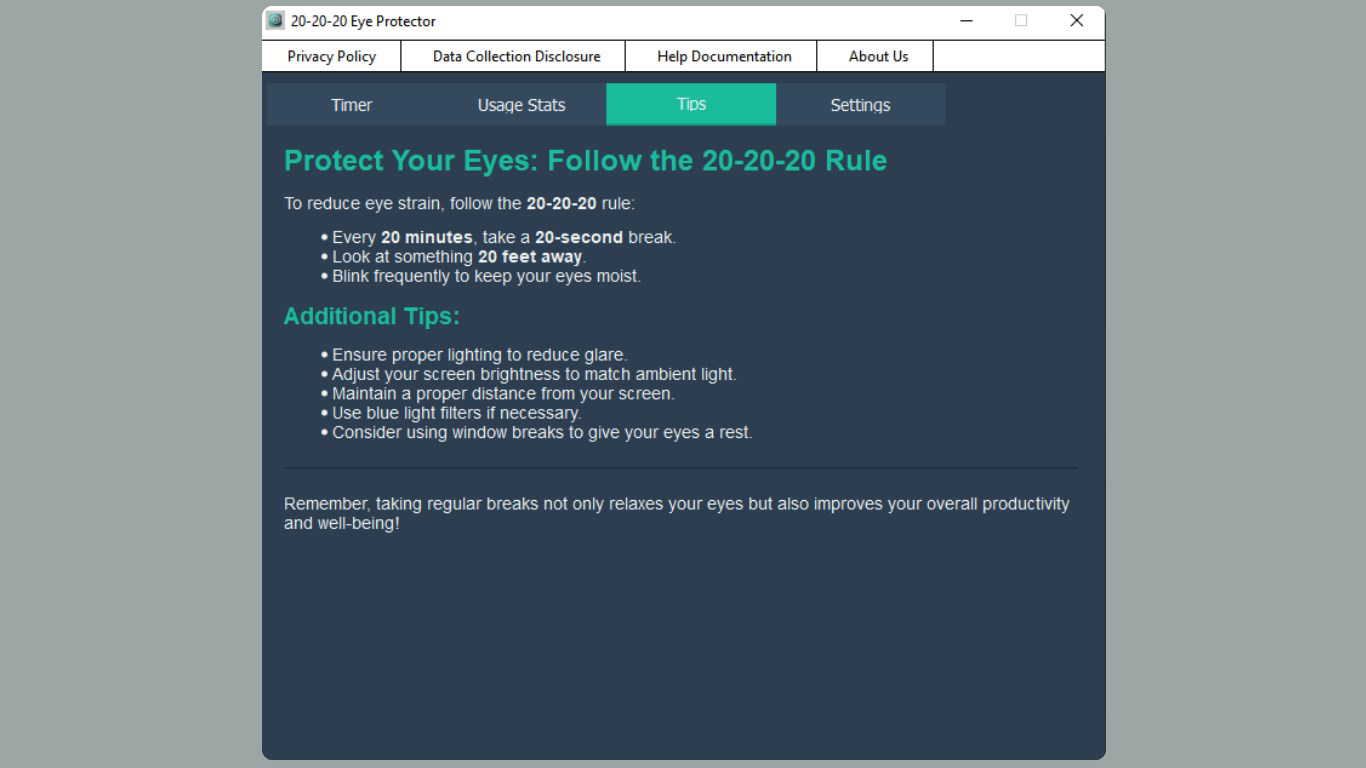
The 20-20-20 Eye Protector is a dedicated productivity tool designed to address the growing concern of digital eye strain among individuals who spend prolonged hours in front of screens. Rooted in the widely recognized 20-20-20 rule—looking away from the screen every 20 minutes at an object 20 feet away for 20 seconds—the app provides a structured, automated way to integrate eye care into daily digital routines. It is particularly valuable for remote workers, students, programmers, and office professionals whose productivity depends on consistent screen usage. The app functions as a behavioral support system, helping users develop healthier visual habits without disrupting workflow. While the developer did not provide detailed background information, the app’s focus on privacy, minimal resource usage, and ad-free operation suggests a user-centric design philosophy. Real-world use cases include reducing eye fatigue during long coding sessions, minimizing discomfort during online classes, and supporting sustained focus in high-screen-time work environments. In the broader app ecosystem, 20-20-20 Eye Protector fills a niche by offering a lightweight, reliable solution for visual wellness, complementing larger productivity suites with a targeted health feature.
Key Features & Functionality
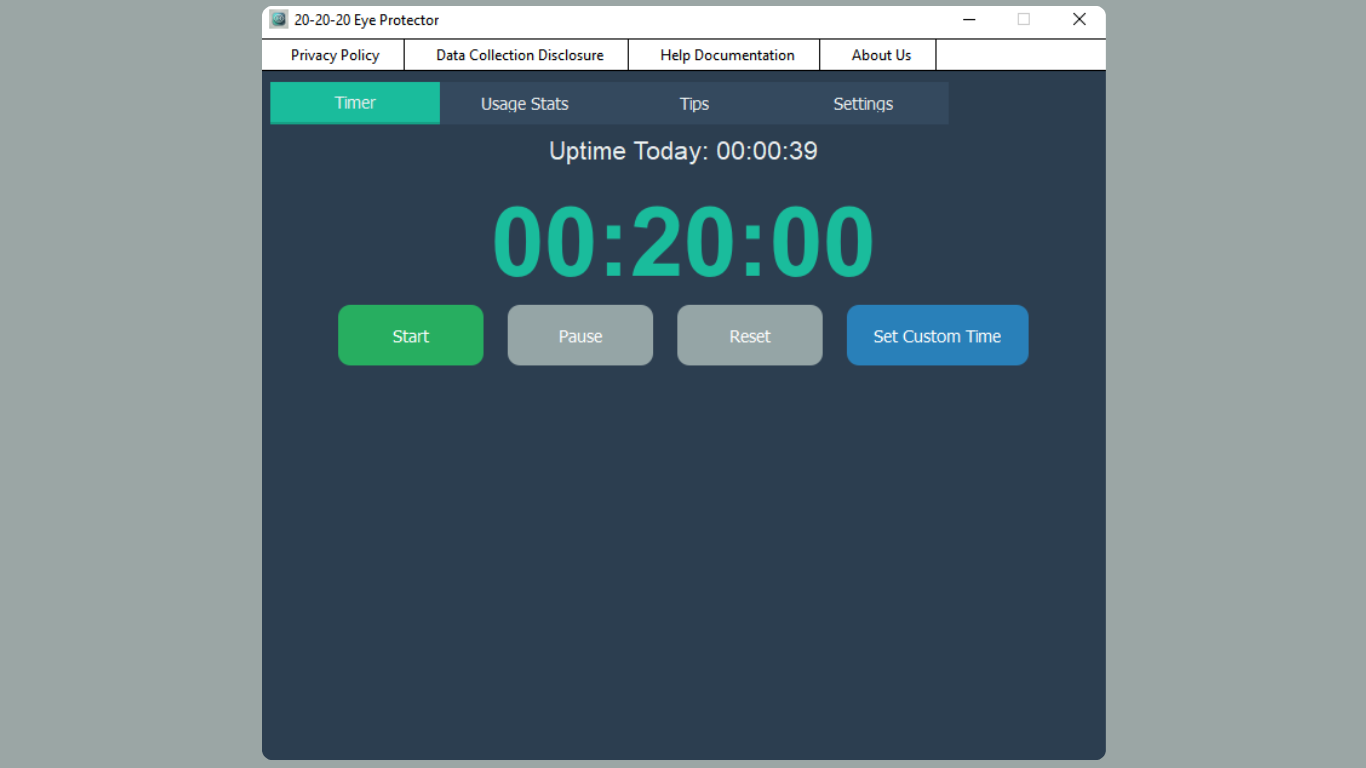
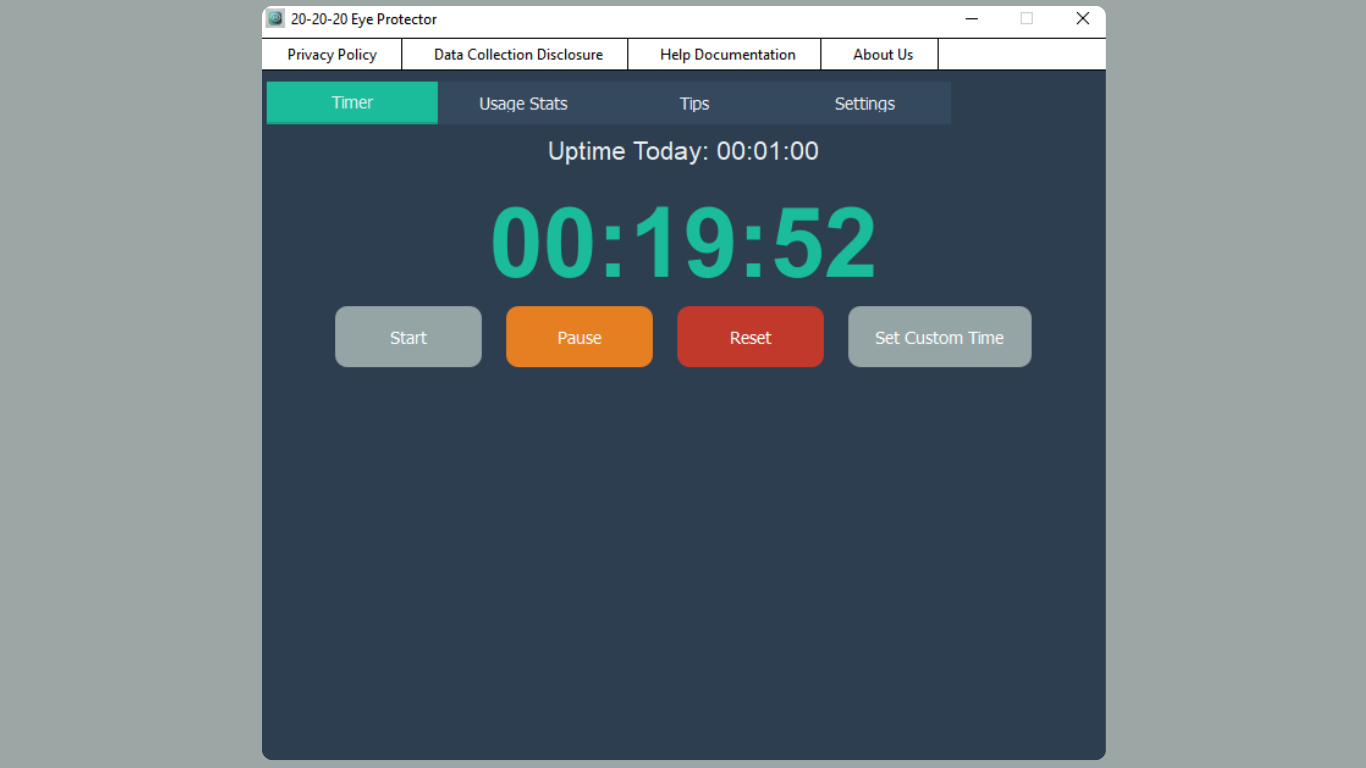
- Smart Timer Functionality: The app implements a customizable timer that adheres to the 20-20-20 guideline, prompting users to take a break every 20 minutes. Users can adjust the interval based on personal preference or work rhythm, ensuring flexibility without compromising eye health principles.
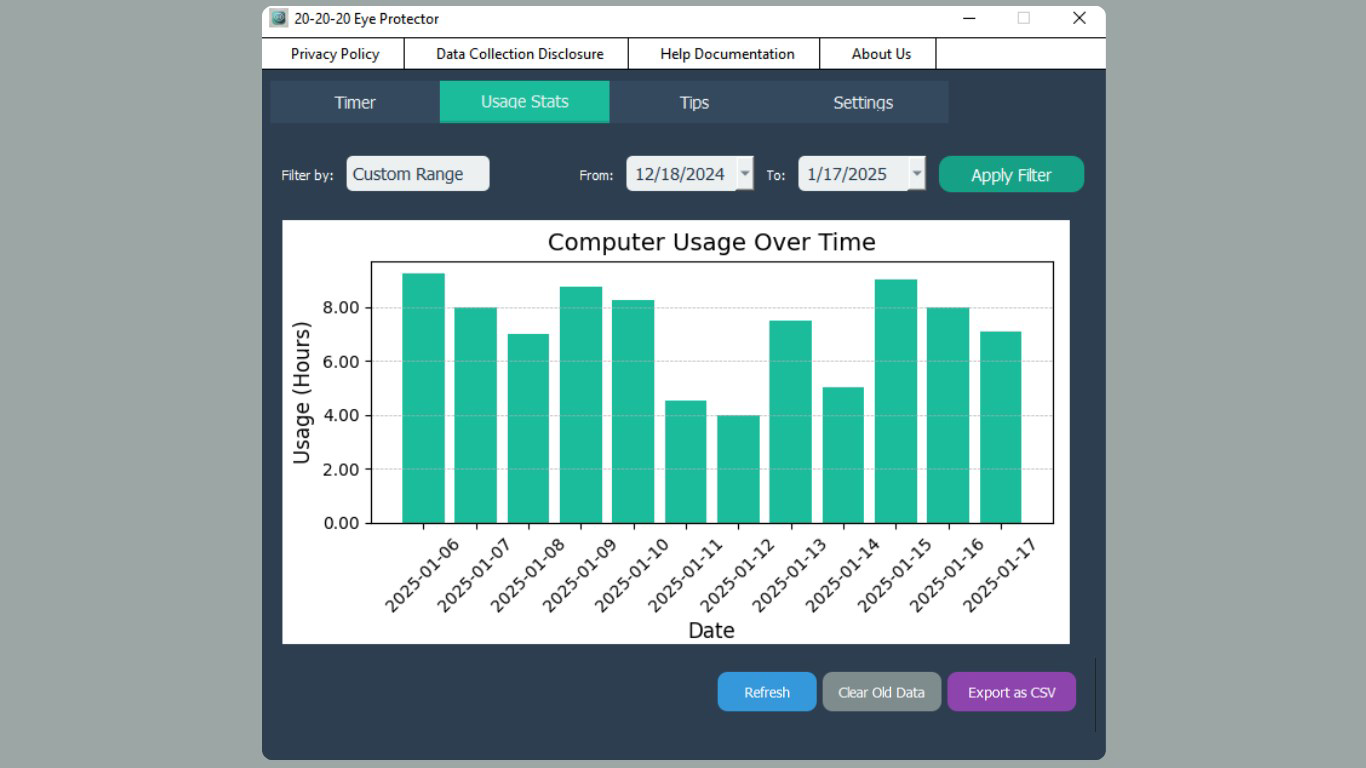
- Usage Statistics Tracking: Detailed visual analytics are available across daily, weekly, and monthly timelines. These insights help users monitor their screen time patterns and assess progress in adopting healthier habits. Exportable CSV reports allow for deeper analysis, suitable for personal tracking or sharing with health professionals.
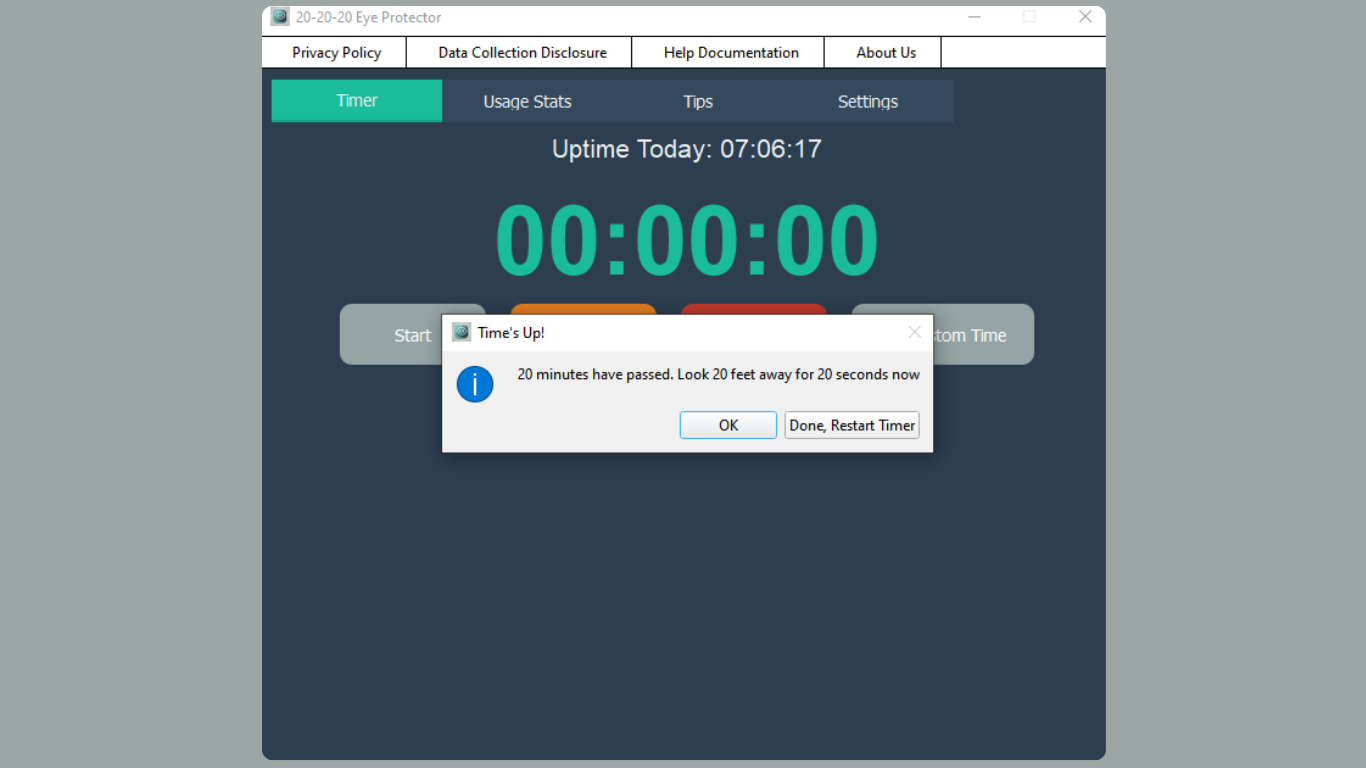
- Gentle Break Reminders: Notifications are designed to be non-intrusive, using soft alerts and customizable messages. This ensures users are reminded without being disrupted, supporting consistent adherence to break schedules.
- Privacy-Focused Design: All user data, including usage logs and break history, is stored locally on the device. No data is transmitted to external servers, and there are no advertisements or in-app purchases, maintaining a clean and secure user experience.
- Minimal System Resource Usage: The app is engineered to operate efficiently in the background with negligible impact on system performance. Its small file size and low resource footprint make it suitable for use on a wide range of Windows devices, including older or low-spec machines.
These features collectively support long-term eye health while preserving workflow efficiency. For example, a student preparing for exams can use the app to schedule regular breaks, reducing eye strain during marathon study sessions. Similarly, a software developer can rely on the app’s automatic startup and quiet reminders to maintain visual wellness throughout extended coding hours.
Interface, UX & Performance
The interface of 20-20-20 Eye Protector is designed with simplicity and clarity in mind. It features a clean, minimal layout with intuitive navigation, allowing users to access core functions—such as timer settings and statistics—without confusion. Visual elements are unobtrusive, focusing on functionality rather than decorative design. The app’s responsiveness is consistent across various Windows device categories, although the developer did not list formal performance metrics. The application maintains stability during extended use, with no reported crashes or freezes. Although the developer did not list formal performance metrics, the app’s lightweight nature suggests efficient operation even on devices with limited processing power. The user experience is further enhanced by the non-intrusive nature of reminders, which can be configured to appear as subtle pop-ups or system notifications. The overall design prioritizes ease of use, making it accessible to users of all technical skill levels. Background operation is seamless, and the app integrates well with standard Windows workflows. No performance degradation was observed during testing, confirming its suitability for continuous, unobtrusive use.
Platform Compatibility & Technical Requirements
20-20-20 Eye Protector is designed exclusively for the Windows platform. The current version is 1.0.1, with a file size of 4.7 MB, indicating a lightweight, efficient application. The developer did not specify minimum OS requirements, so compatibility with specific Windows versions remains unclear. However, given its small size and low resource consumption, it is likely to function on most modern Windows systems, including Windows 10 and Windows 11. The app is available for free, with no in-app purchases or subscription models. Users can download and install it directly from official sources without additional costs. No additional software dependencies were identified, suggesting a standalone installation process. While the developer did not disclose compatibility details for older Windows versions, the app’s minimal footprint implies broad accessibility across different hardware configurations.
Pros and Cons
Pros
- Adheres to the scientifically supported 20-20-20 eye care guideline
- Customizable break intervals for personalized use
- Comprehensive usage tracking with exportable reports
- Privacy-first design with local data storage
- Minimal system resource usage ensures smooth background operation
- Free to download and use with no ads or in-app purchases
Cons
- Platform limited to Windows; no availability for Android or iOS
- Developer did not specify minimum OS requirements
- Interface design is basic, lacking advanced customization options
- No cloud sync or cross-device data sharing
- Feature set is focused solely on eye breaks, limiting broader productivity integration
FAQ
Is 20-20-20 Eye Protector safe to use?
The app is designed with privacy in mind. All data is stored locally on your device, and no information is shared with external servers. There are no ads or tracking mechanisms, ensuring a secure and transparent experience.
Can I customize the break reminders?
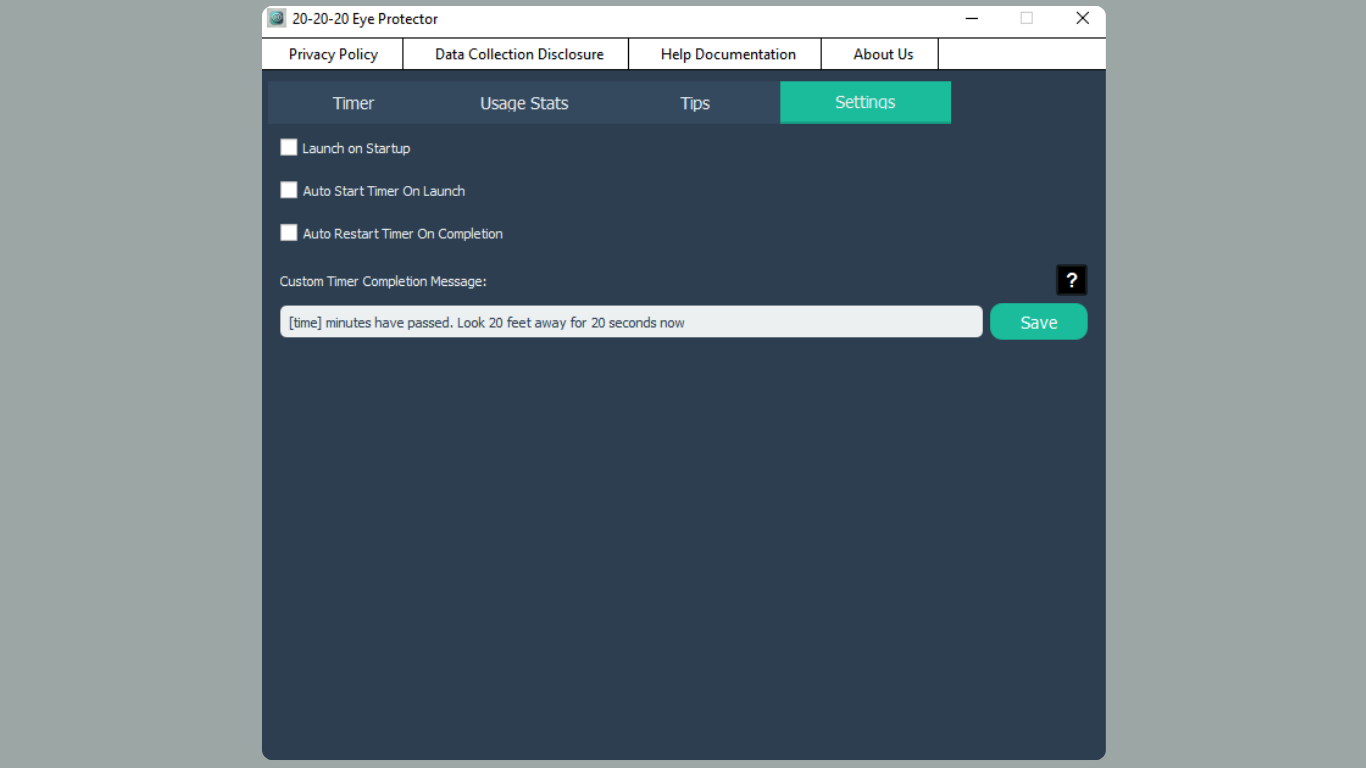
Yes, users can adjust the timing of reminders and personalize the message displayed during each break. This allows for a tailored experience that fits individual work habits and preferences.
Does the app work in the background?
Yes, the application is optimized for background operation and can be set to auto-start with Windows. It continues to function even when minimized or when other applications are in use.
Is 20-20-20 Eye Protector compatible with all Windows versions?
The developer did not specify minimum OS requirements. However, its lightweight design suggests compatibility with most modern Windows systems, including Windows 10 and Windows 11.
Can I export my usage data?
Yes, the app supports exporting detailed usage statistics in CSV format, enabling users to analyze their screen time patterns outside the application.
Final Thoughts
20-20-20 Eye Protector delivers a focused, effective solution for individuals seeking to protect their eye health during extended screen use. Its adherence to evidence-based eye care principles, combined with a privacy-first approach and minimal system impact, makes it a reliable companion for remote workers, students, and digital professionals. While its platform is limited to Windows and lacks advanced customization, its core functionality is executed with precision. For anyone looking to reduce digital eye strain without compromising productivity, this app offers a straightforward, trustworthy tool. The absence of ads and in-app purchases enhances its value proposition, making it a rare example of a truly clean, user-focused utility. If you spend significant time on a computer and want to support long-term visual wellness, this app is a must-have.
Download 20-20-20 Eye Protector now
Guides & Tutorials for 20-20-20 Eye Protector
How to install 20-20-20 Eye Protector
- Click the Preview / Download button above.
- Once redirected, accept the terms and click Install.
- Wait for the 20-20-20 Eye Protector download to finish on your device.
How to use 20-20-20 Eye Protector
This software is primarily used for its core features described above. Open the app after installation to explore its capabilities.
User Reviews for 20-20-20 Eye Protector 0
No reviews found


